
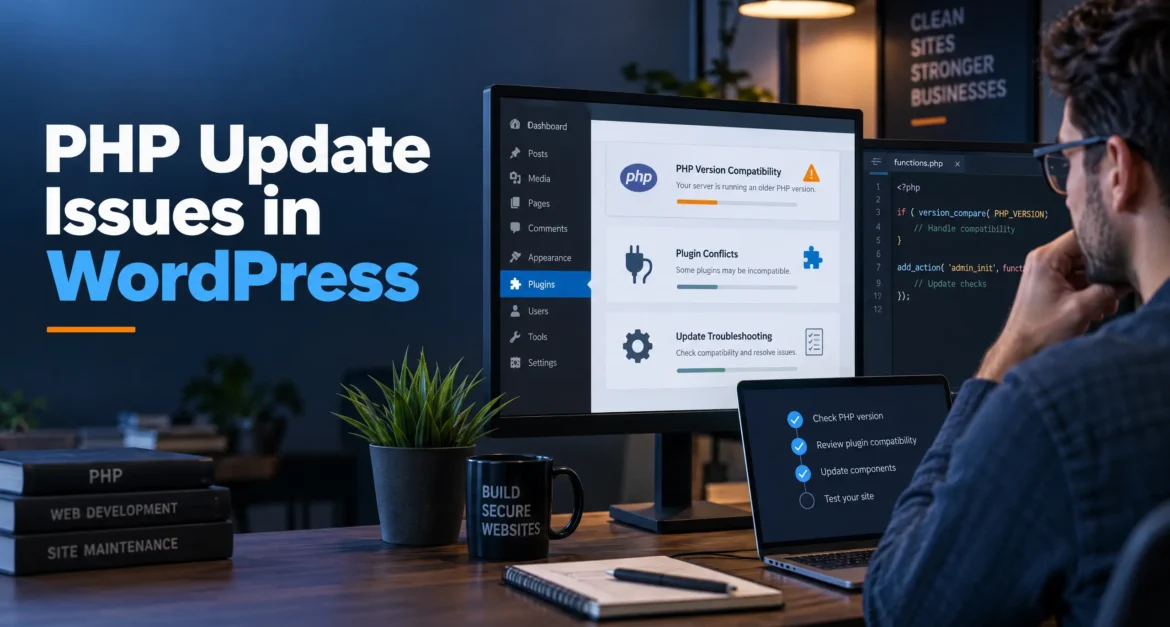
This blog explains the latest PHP update issues and common WordPress compatibility problems.
To help website owners understand the importance of PHP updates and improve website security, stability, and performance.
By providing practical steps to identify PHP update issues, troubleshoot errors, and update PHP safely to help protect websites.
PHP is the server-side programming language that powers WordPress websites. Keeping PHP updated helps improve security, performance, stability, and compatibility. However, updating PHP without checking your website’s requirements can cause plugin conflicts, theme errors, and website downtime.
This guide explains who should understand PHP updates, what PHP update issues are, why updates matter, when to update PHP, and how to troubleshoot common WordPress problems.
What Are PHP Update Issues?
PHP update issues occur when a website’s code, plugins, themes, or server configuration are incompatible with the PHP version being used.
Common problems include:
- WordPress critical errors
- Plugin and theme compatibility issues
- Deprecated function warnings
- HTTP 500 errors
- Missing PHP extensions
- Website features that stop working after an update
For example, an older WordPress plugin may use a PHP function that is no longer available in a newer version. Updating or replacing the plugin may resolve the issue.
Why Are PHP Updates Important?
PHP updates can provide security fixes, bug fixes, and performance improvements. Using a supported PHP version also helps maintain compatibility with modern WordPress software.
The main reasons to update PHP are:
- Security: Supported PHP branches receive security fixes.
- Performance: Newer versions may improve execution speed.
- Compatibility: Updates help websites work with current themes and plugins.
- Stability: Maintaining supported software can reduce issues associated with outdated components.
Check the official PHP supported versions page before choosing a version: https://www.php.net/supported-versions.php.
Who Should Be Concerned About PHP Updates?
PHP updates are important for:
- Website owners who manage business websites or online stores.
- WordPress administrators responsible for plugins, themes, and website maintenance.
- Web developers who build or maintain PHP-based applications.
- Digital marketers who depend on working landing pages and enquiry forms.
- Students and freshers learning WordPress, PHP, and web development.
Understanding PHP updates helps these users identify potential compatibility problems and know when to seek technical support.
How Can You Fix PHP Update Issues?
Follow these steps if your WordPress website develops problems after a PHP update.
- Check which website pages or features are affected.
- Review your hosting provider’s PHP error logs.
- Update incompatible plugins and themes.
- Test your website on a staging environment when possible.
- Check PHP extensions and server configuration.
- Ask your hosting provider about a temporary rollback if the website is unavailable.
- Fix the underlying compatibility problem before continuing with the updated PHP version.
Avoid displaying detailed error messages to visitors on a live website. WordPress provides guidance on safely diagnosing errors at https://developer.wordpress.org/advanced-administration/debug/debug-wordpress/.
When Should You Update PHP?
Review your PHP version regularly and plan an update when your current version is approaching or has reached the end of its official support period, or when your hosting provider recommends a supported version.
Before updating, back up your website files and database, check compatibility, and test the update on a staging website if possible.
Do not select a PHP version based only on its version number. Check the requirements of your WordPress installation, plugins, themes, custom code, and hosting environment.
Security and Performance Risks of Outdated PHP
An unsupported PHP version no longer receives official security fixes for that branch. This can increase exposure to known vulnerabilities, although using outdated PHP does not automatically mean a website has been compromised.
Outdated software may also create compatibility problems and prevent a website from benefiting from newer performance improvements. Website security depends on several factors, including plugin updates, secure passwords, hosting configuration, HTTPS, access controls, and regular backups.
Learn Web Development at G-TEC Education, Ernakulam South
G-TEC Education, Ernakulam South, Kochi, offers career-focused learning opportunities for students, freshers, and aspiring developers.
Explore Full Stack Development, Web Development, and other software courses to build practical knowledge of programming, website creation, and modern technologies.
EMI facilities and internship opportunities may be available subject to current course terms and eligibility. Contact the centre to confirm the latest details.
Phone: +91 85901 77224
Website: https://gtecernakulamsouth.in/
If you are looking for a Software Training Institute to develop your technical skills, contact G-TEC Education, Ernakulam South, to learn more about available courses.
Frequently Asked Questions
Which PHP version should I use for WordPress?
Choose a currently supported PHP version compatible with your WordPress installation, themes, plugins, and hosting environment. Check the official WordPress requirements before upgrading.
Will updating PHP delete my website content?
Changing PHP versions does not normally delete website content or database records. However, compatibility problems can make the website inaccessible, so create a backup before updating.
Why did my website break after a PHP update?
Common causes include outdated plugins, incompatible themes, custom code, missing extensions, and server configuration issues.
Can I update PHP without hosting access?
PHP is configured through your hosting environment. If you cannot access the relevant settings, contact your hosting provider or website administrator.
Should I downgrade PHP if my website stops working?
A temporary rollback may help restore service if the hosting provider supports it. However, do not rely permanently on an unsupported version. Identify and fix the compatibility issue, then move to a supported release.
PHP updates are an essential part of WordPress website maintenance. Understanding what causes update issues, why supported versions matter, who needs to monitor them, when to upgrade, and how to troubleshoot problems can help website owners reduce downtime and maintain compatibility.
Always back up your website, test updates carefully, and seek professional assistance when necessary.